Quick Start
1. Install Discarr
Follow the installation guide. For the fastest path:
2. Configure API keys
mkdir -p ~/.config/media-postprocessor
cp api-keys.conf.example ~/.config/media-postprocessor/api-keys.conf
$EDITOR ~/.config/media-postprocessor/api-keys.conf
Minimum config:
SONARR_URL=http://your-sonarr-host:8989/sonarr
SONARR_API_KEY=your-sonarr-api-key

RADARR_URL=http://your-radarr-host:7878/radarr
RADARR_API_KEY=your-radarr-api-key
Find your API keys in Sonarr/Radarr under Settings → General → Security → API Key.
3. Start Discarr
# If installed as a service:
systemctl start discarr

# Or run directly:
node /opt/discarr/server.js

# Or with Docker:
docker run -d -p 8603:8603 \
  -v ~/.config/media-postprocessor:/root/.config/media-postprocessor:ro \
  -v /path/to/media:/media \
  pyr0ball/discarr:latest
Open http://localhost:8603.
4. Scan a disc
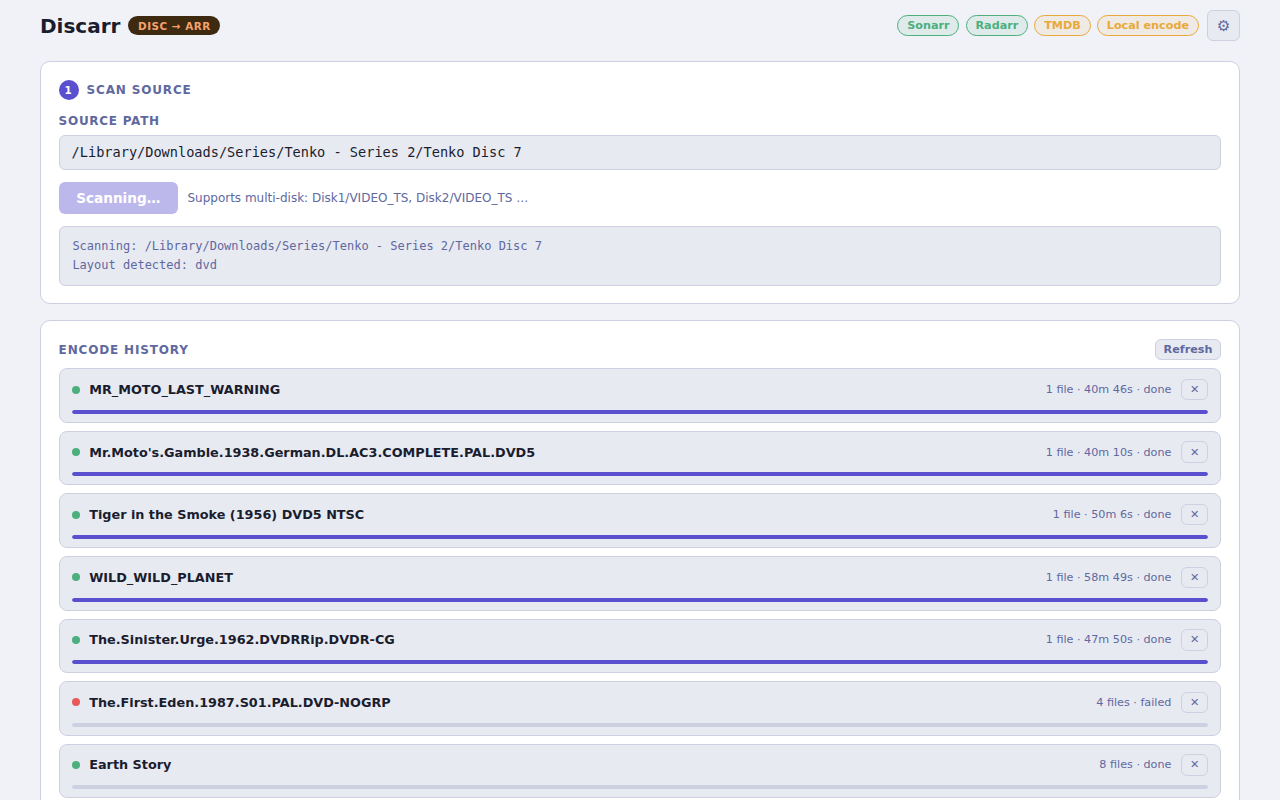
- Paste the path to a disc directory or ISO (e.g.
/media/disc/VIDEO_TS) into the Path field - Click Scan
- Discarr lists the disc titles with duration and chapter count
5. Map titles to arr items
For each title:
- Choose TV (Sonarr) or Movie (Radarr)
- Click Browse Sonarr or Browse Radarr to open your library
-
Type a partial title in the search box to filter results
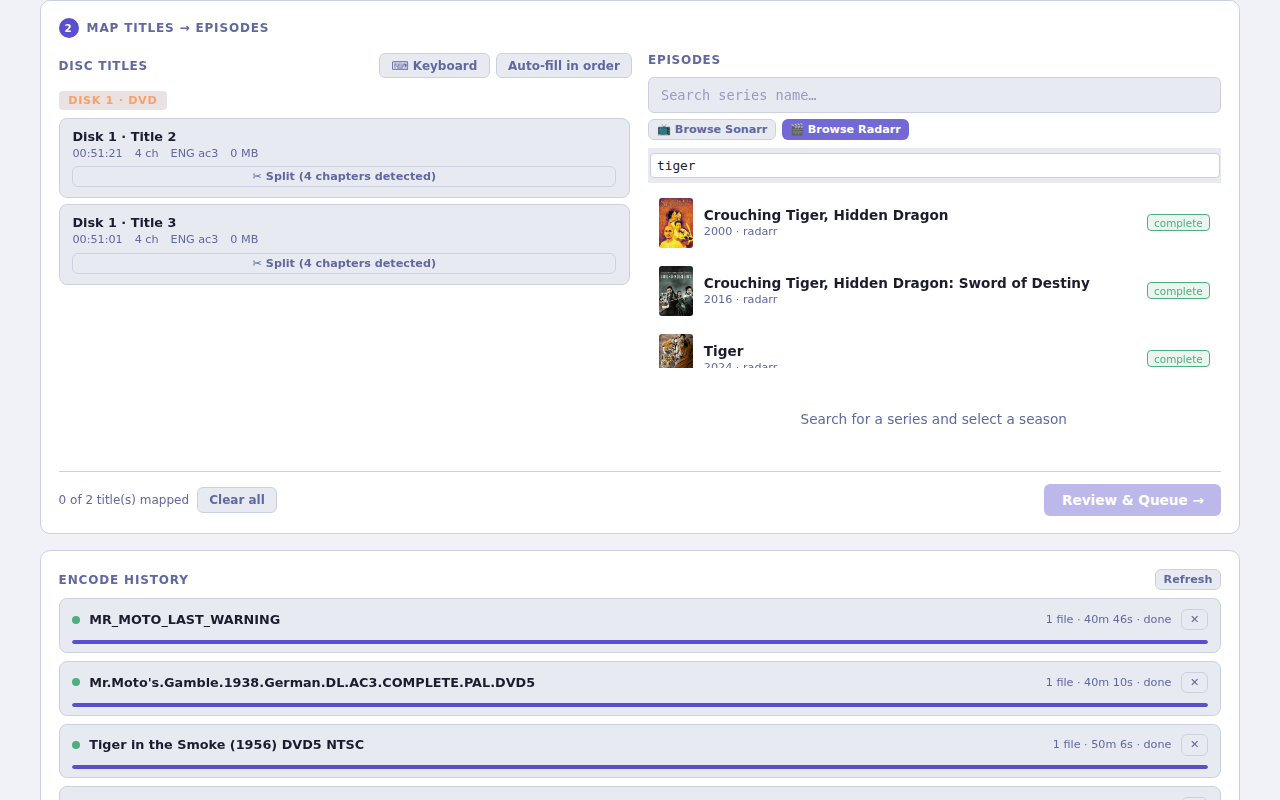
-
Drag the title card from the left panel and drop it onto the slot on the right
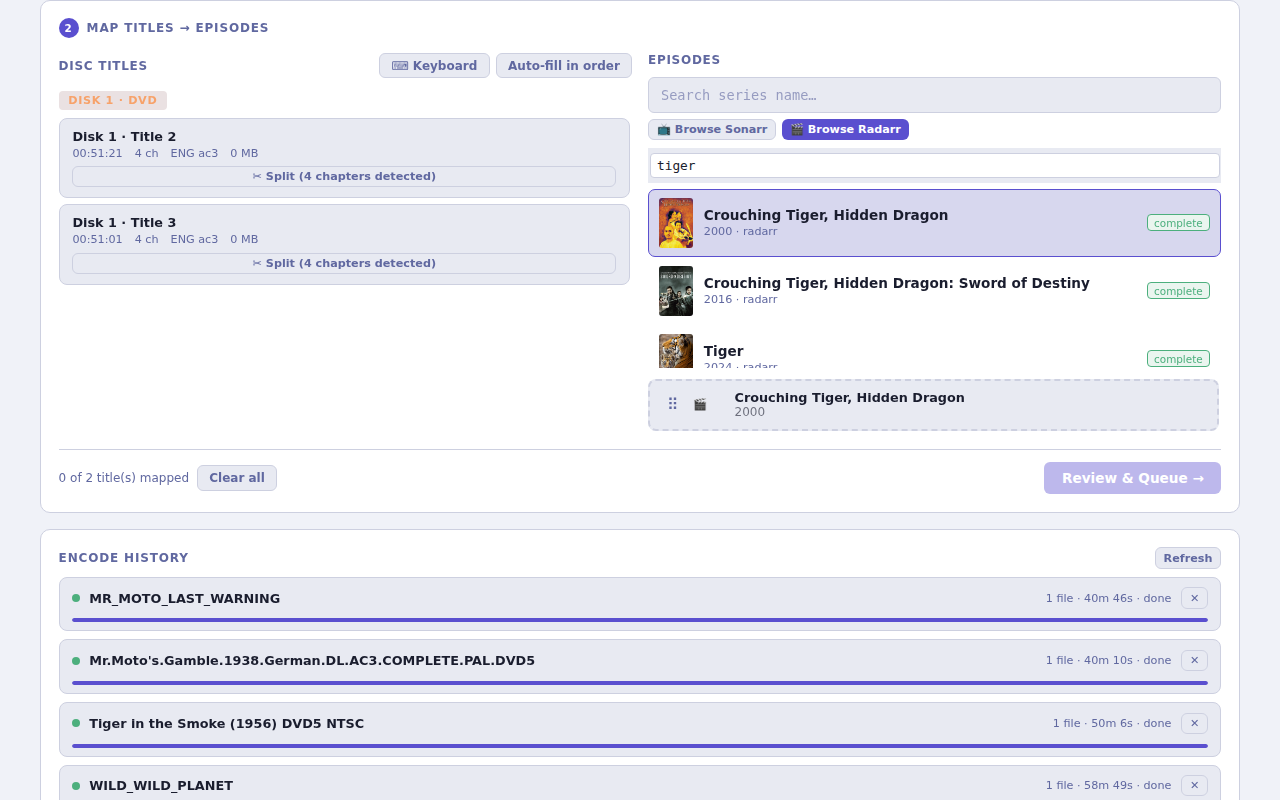
A green border confirms the mapping. The counter updates (e.g. "1 of 2 title(s) mapped").
-
Repeat for each unmapped title, then click Review & Queue →
6. Monitor the encode
The Queue tab shows running and pending encode jobs. Each job shows:
- Input file and mapped target
- Encode progress (% and ETA)
- Status:
pending→encoding→notifying→done
Once encoding finishes, Discarr fires the notification hook and Sonarr/Radarr picks up the import automatically.
Next steps
- Set up notification hooks so Sonarr/Radarr trigger scans automatically
- Configure SSH transcode workers to offload encoding to a dedicated machine
- Full configuration reference